

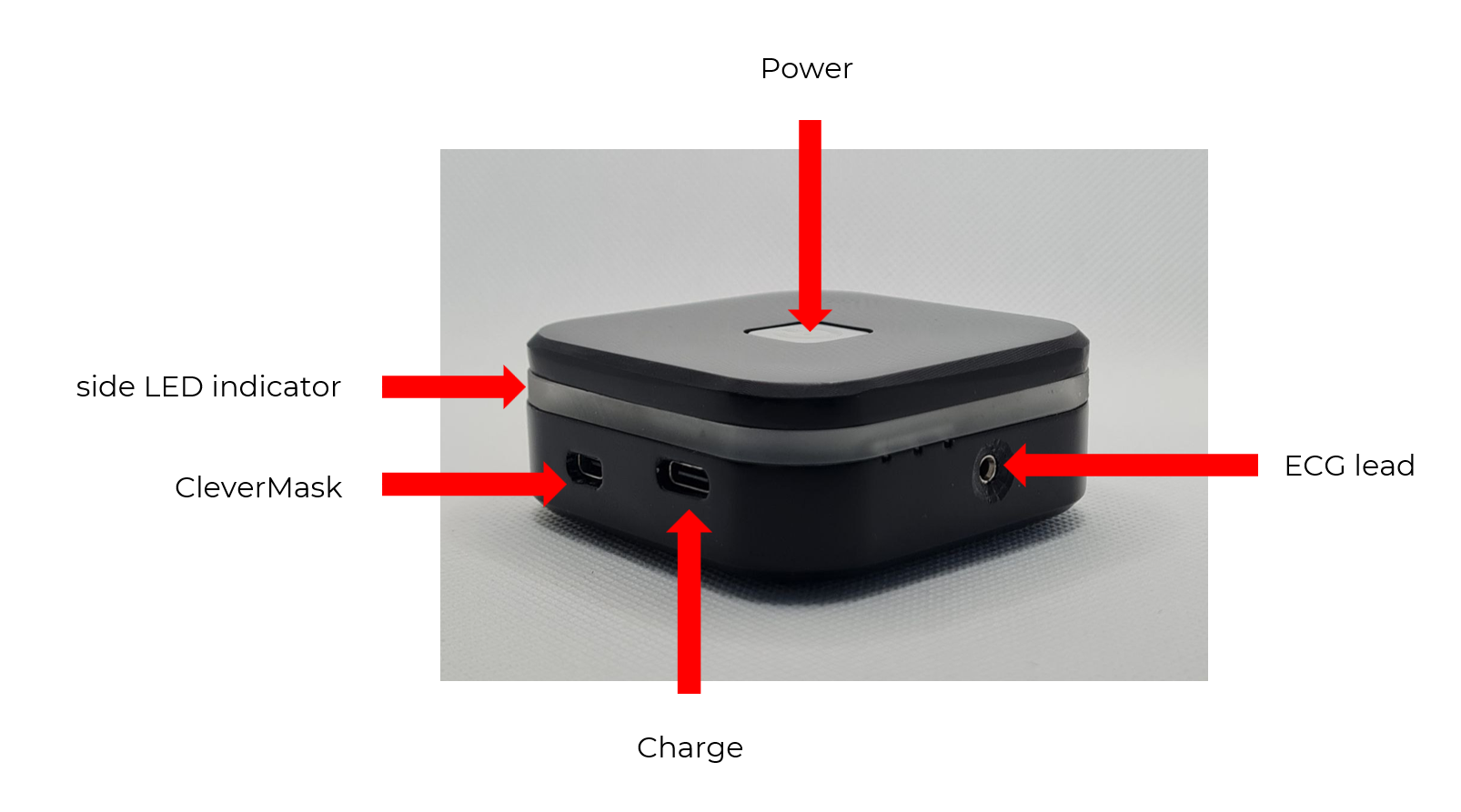
Turning CleverPoint 4 on
- Press the Power button and hold it for a 3 seconds until the side LED indicator quickly ‘runs’ around in color indicating battery level (see: Color Indication of the Side LED Illumination).
- Power button will flash rapidly while searching for the previously connected Wi-Fi network
- When connection with Wi-Fi network is established power button slowly flashes green
- Now you can connect the software. If connection is established power button constantly lit green
Attention! If after turning on the device, the Power button alternately flashes green-blue, then the CleverPoint device:
- Is not connected to the required Wi-Fi network and needs to be connected to a Wi-Fi network.
- Cannot find the Wi-Fi network it was previously connected to. The device needs to be reconnected to the Wi-Fi network.
- The Wi-Fi network password is incorrect/changed. The device needs to be reconnected to the Wi-Fi network.
Turning CleverPoint 4 off
Press the Power button and hold it for several seconds until the side LED indicators flash 3 times in red and all the light indicators turn off.