

Documentation

Connecting the ECG cable to CleverPoint 4

Updated 30 October 20261 min read

Connect the ECG cable included in the kit to the ECG port on CleverPoint 4.
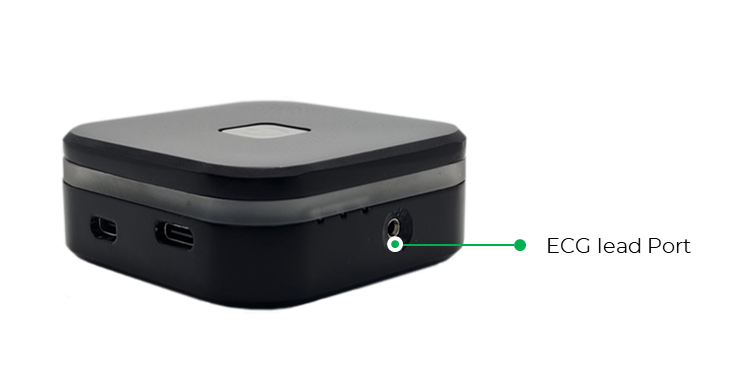
CleverPoint 4 device viewed from the side with the ECG lead port labeled and highlighted.

Attach the cardio electrode to the left forearm or the back of the left hand, at any of the locations shown in the figure.
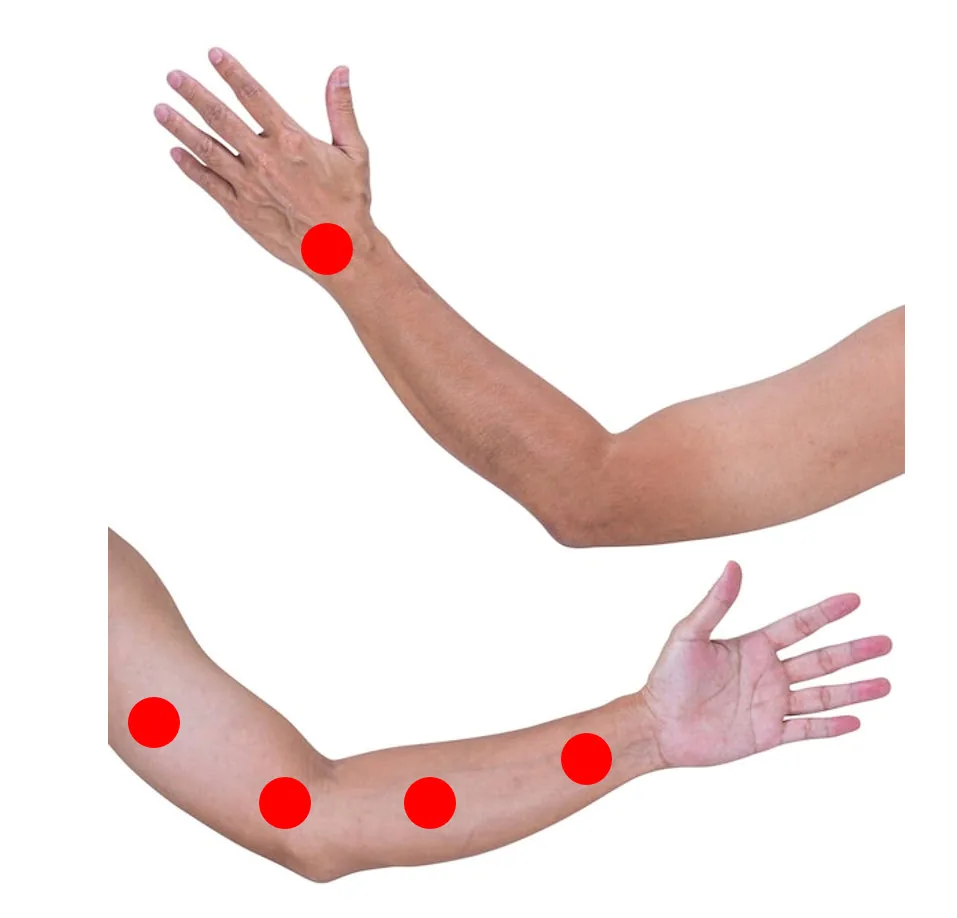
Two views of a left arm marked with red dots indicating alternative ECG electrode placement sites near the elbow and along the forearm.

Placement of electrodes on the left forearm for right-handed individuals
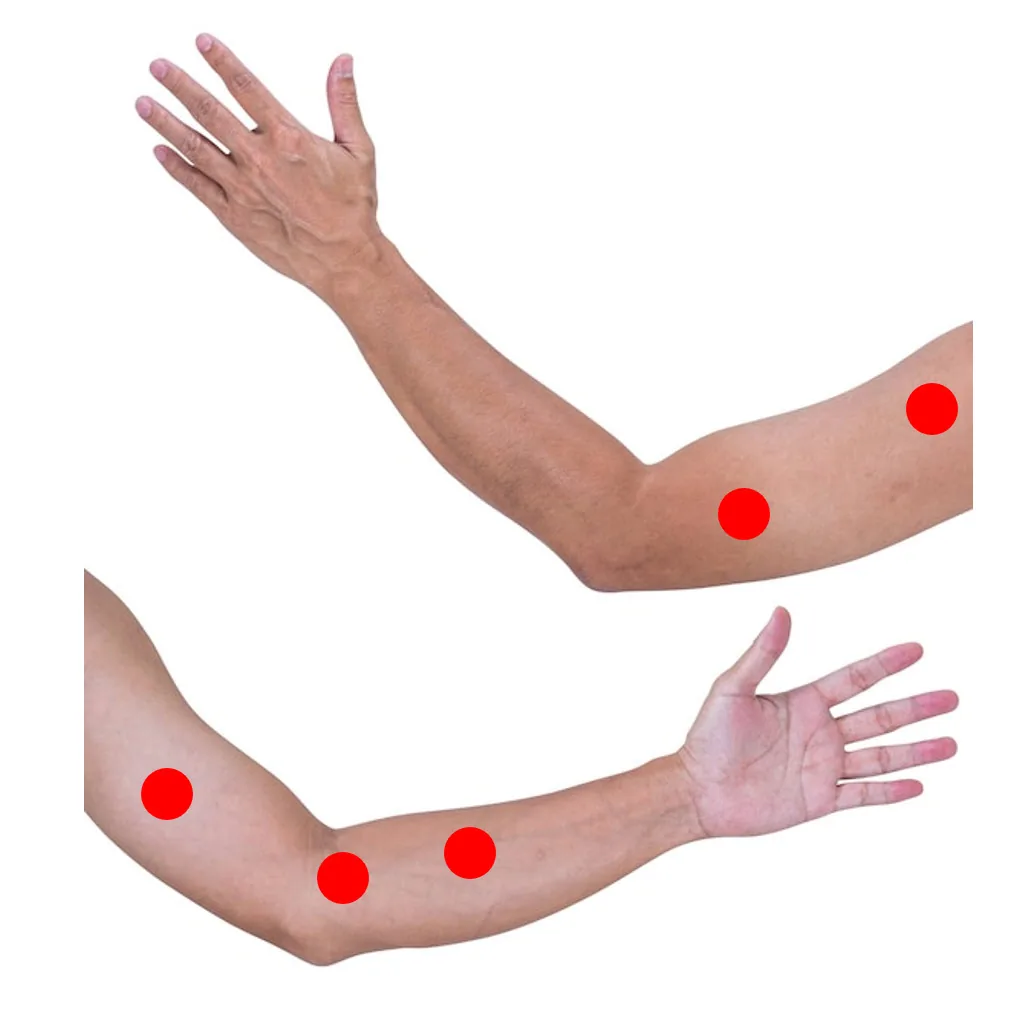
Two views of a left arm marked with red dots indicating ECG electrode placement sites near the elbow and forearm, recommended for right-handed individuals.

Placement of electrodes on the left forearm for left-handed individuals

Connect the ECG cable to the cardio electrode.

You are ready for recording and research.